On this page
Photo evidence is no longer proof
Refunds and claims run on photos. A customer reports a crushed box, an undercooked meal, a cracked screen or water coming through the ceiling, and a photo backs it up. Most of those photos are honest. A growing number are not: food-delivery platforms in India and South Korea have described customers sending AI-made pictures of spoiled food to get refunds, and insurers now treat generated damage photos as a fraud risk of their own.
It shows up wherever a photo can turn into money:
- Food delivery: raw or undercooked meat, mould, a hair, a spilled or crushed order.
- Parcels and online shopping: a crushed box, a broken item, a missing part, the wrong colour.
- Travel and hotels: a dirty room, a broken fitting, a stained bed.
- Motor and property insurance: a dent, a cracked windscreen, water damage, a fallen tree.
Each fake is usually small. Getting the response wrong is not: pay every claim and you fund the fakes; doubt every photo and you fail the honest customers who make up most of your claims.
Two kinds of fake damage photo
It helps to separate them, because they need different checks:
- Fully generated: the whole picture comes from a prompt such as "a burger with raw meat in a delivery box" or "a crushed parcel on a doorstep". This is what Perspicax is built for.
- Edited: a real photo of the real order, car or room, with damage added by an AI edit tool: a crack painted onto a screen, mould added to bread, a dent added to a door. Most of the pixels came from a camera, so a detector may answer likely real or inconclusive. See how to tell if a photo was edited with AI.
A third kind needs no AI at all: an old photo, or one copied from the internet, sent again. A reverse image search and your own claim history catch most of those.
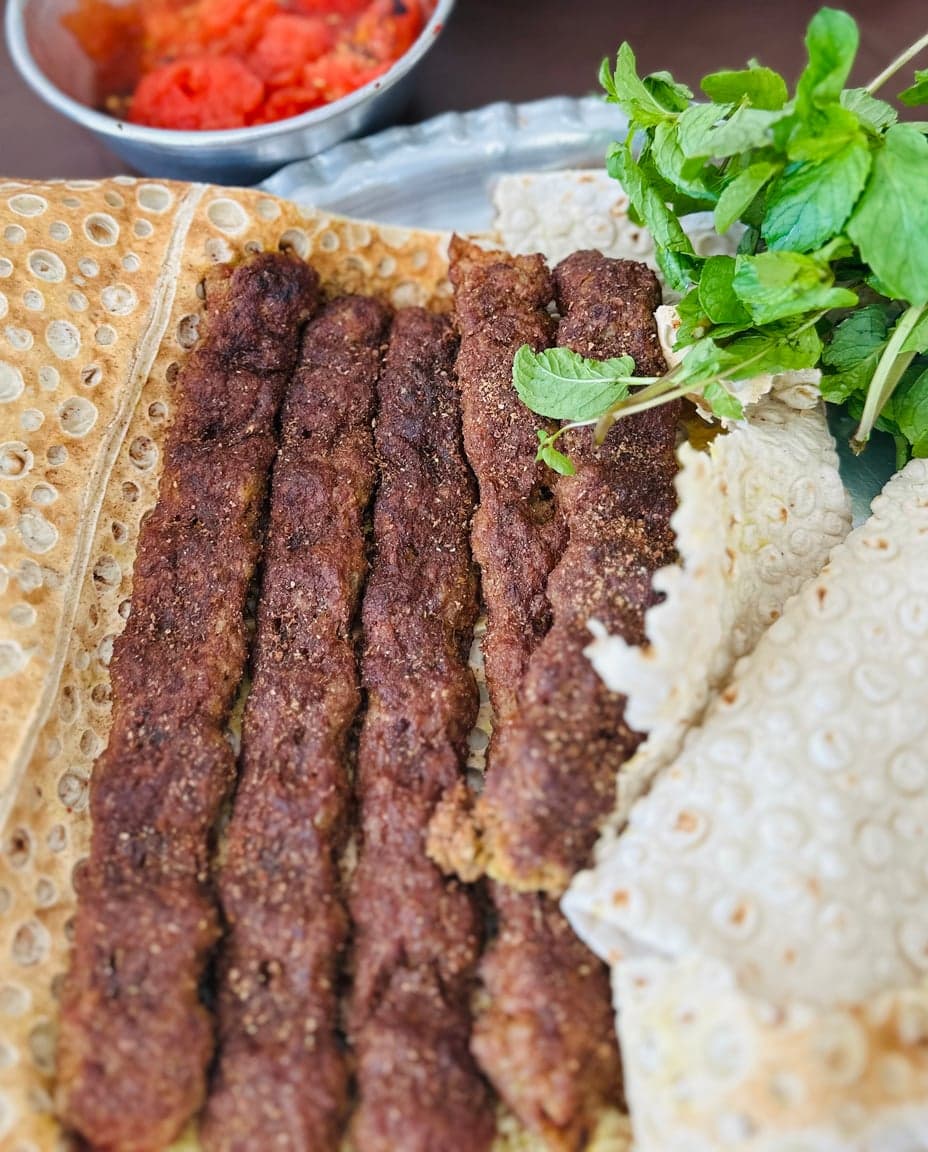 Real photoReal · camera photo
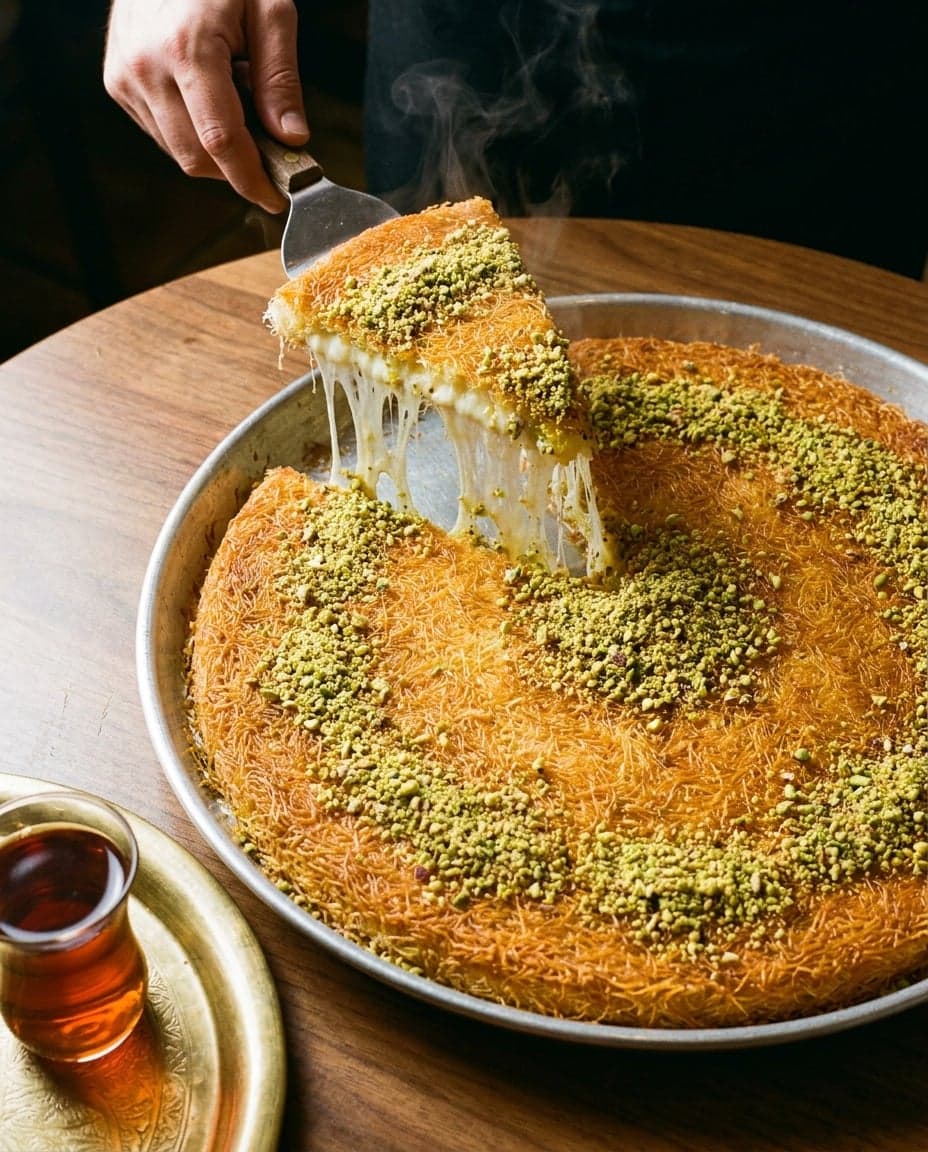 AI-generatedAI-generated · Nano Banana Pro
Food is exactly what refund fakes are made of, and generators are good at it. Steam, sauce, crumbs and reflections on a metal tray all come out right, and a little damage is one more line in the prompt. Neither of the photos above gives itself away by looking.
Process checks that work
The best defence is a claim flow in which a real photo is easier to submit than a fake one:
Capture the photo in your app
Ask customers to take the photo in your app rather than upload one from their gallery. A live capture comes with the time, and with permission the place, and it rules out most files made somewhere else.
Ask for more than one angle
Two or three photos of the same damage from different sides. A generator can make one convincing picture; a consistent set showing the same object from several angles is much harder.
Add something only the claimant could show
The order receipt in the frame, a reference object for scale, or a short code shown in your app and written on a piece of paper. It ties the photo to this claim, now.
Ask for a short video for larger claims
A few seconds walking around the item or the car. For high-value insurance claims, an adjuster can direct a live video call: "show me the other side", "move closer to the corner".
Check the records
Compare with the order, the delivery time and the courier's own photo, the policy and its start date, and the claimant's history. An account that claims every week is a pattern, whatever the photos look like.
What looking closely can still tell you
Looking at a claim photo still helps, as long as you know which signs carry weight:
Still worth checking
- Damage that fits the object: a dent that follows the shape of the panel, food that is undercooked all the way through rather than painted raw on top.
- Consistency across photos: the same box, the same crease, the same label and the same background from every angle.
- Details that match the order: the dish, the packaging, the branded bag, the parcel label.
- Light that agrees: the damage lit and shadowed like the rest of the scene.
- A history: the same image, or the same scene, in earlier claims or on the web.
No longer reliable
- Obvious AI mistakes: modern generators make convincing food, cardboard and car paint.
- Blur or bad framing: honest customers take rushed, badly lit photos too.
- Missing photo details: messaging apps and many uploads strip them, from real photos and fakes alike.
- A hunch about the customer: it isn't evidence, and it is where unfair refusals start.
How Perspicax helps
Perspicax combines proven computer vision techniques with TrueEye 2.3, our state-of-the-art detector. It examines every region of each photo, down to the pixels, and answers in one of three bands:
Three possible answers
It is built and measured on fully generated, photo-like images. In testing, it caught 98.6% of images from the newest OpenAI, Google and ByteDance models on average. Just as important for claims, it rarely flags real photos: fewer than 1 in 2,000 original camera photos were wrongly flagged (0.05%), and about 1 in 100 real photos shared on the web and social media (1.2%).
Measured the way Perspicax answers: an inconclusive answer counts as a miss. See every number
Route claims, don't auto-deny
A detector is a triage tool. Use its three answers to decide how much attention a claim gets, not whether the customer is lying:
- Likely real: carry on with your normal flow. Most honest claims land here and can move fast.
- Inconclusive: ask for another angle, a live capture or a short video, then decide.
- Likely AI-generated: send it to a person who checks the records and asks for more evidence. Don't refuse on the detector's answer alone.
The false-alarm figures above are small, but a large claims queue turns about 1 in 100 into real people. Give every customer a way to answer with more evidence, keep a person in the loop for any refusal, and never close a claim automatically on a single signal.
Claims, refund and trust teams can run the check on every uploaded photo through the Perspicax API, and use the answer to route claims in the systems they already have. To talk through a set-up, contact us.
Extra steps for insurance claims
Insurance claims are larger and slower than refunds, which leaves room for checks a delivery app can't make:
- Compare with photos taken when the policy started, if your process collects them.
- Check the date and place against outside records: weather reports for storm or flood damage, police or incident reports for road accidents.
- Ask for the repair estimate or invoice, and check that the garage or contractor exists and did the work.
- Look at the claimant's history across policies, and at claims that share photos, addresses or repairers.
- For high-value claims, inspect in person or by adjuster-directed live video.
Take care not to overcorrect. Slowing every claim down, or refusing on suspicion, harms honest customers and invites complaints. The aim is a fast lane for photos that hold up and a closer look for the rest.
Check an image now
Drop, paste or link a photo. Perspicax checks every region of it with computer vision and TrueEye 2.3, and answers likely AI-generated, likely real or inconclusive.
Questions people ask
Are people using AI photos to get refunds?
Yes. Food-delivery platforms and insurers have reported claims backed by AI-made photos of spoiled food, damaged parcels and dented cars. Most claim photos are still honest, which is why the response has to be fair as well as firm.
How can I tell if a damage photo is AI?
Ask for several angles and a photo taken in your app, check the damage against the order and the records, and check the pixels with a detector. No single check is proof; together they are strong.
Can Perspicax detect damage added to a real photo?
Not reliably, and we don't claim to. It is built for fully generated images, so a real photo with AI-added damage may come back likely real or inconclusive. Live capture and a second angle catch those.
Should we reject claims that a detector flags?
No. Use the answer to route the claim to a person and to ask for more evidence. Detectors make mistakes in both directions: in testing, Perspicax wrongly flagged about 1 in 100 real photos shared online (1.2%).
What should a claim photo flow ask for?
A live capture in your app, two or three angles, something that ties the photo to this claim, such as the order receipt in the frame, and a short video for larger amounts.
Can the check run automatically?
Yes. The Perspicax API answers for each uploaded photo, so you can route claims in your own system: fast-track the likely real ones and review the rest.